Tradesman AssistantRight on WhatsApp
Roger logs into the software you already use and handles quotes, invoices and job records for you. Like an office assistant, right on WhatsApp.
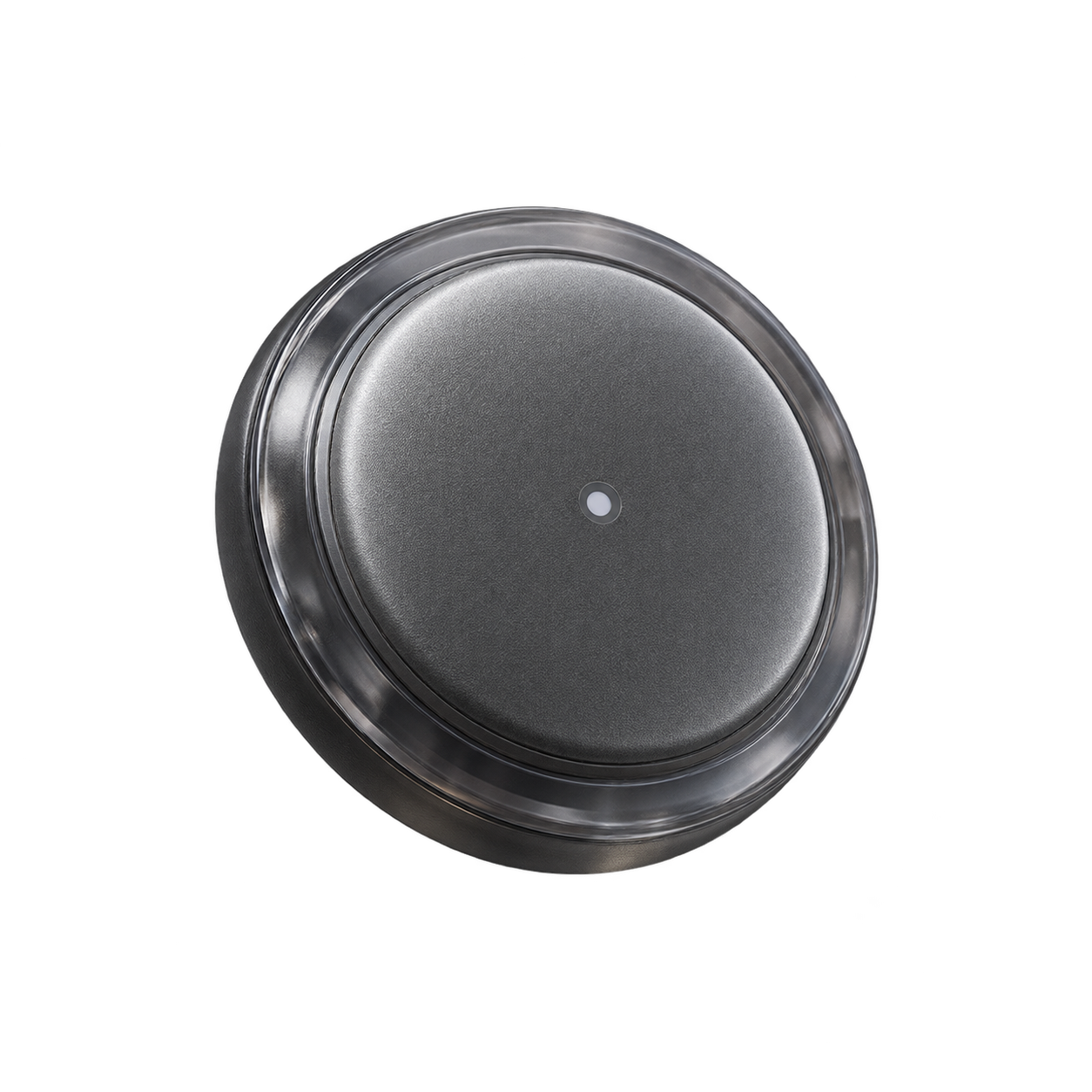
Try RogerYour mic captures
the job details.
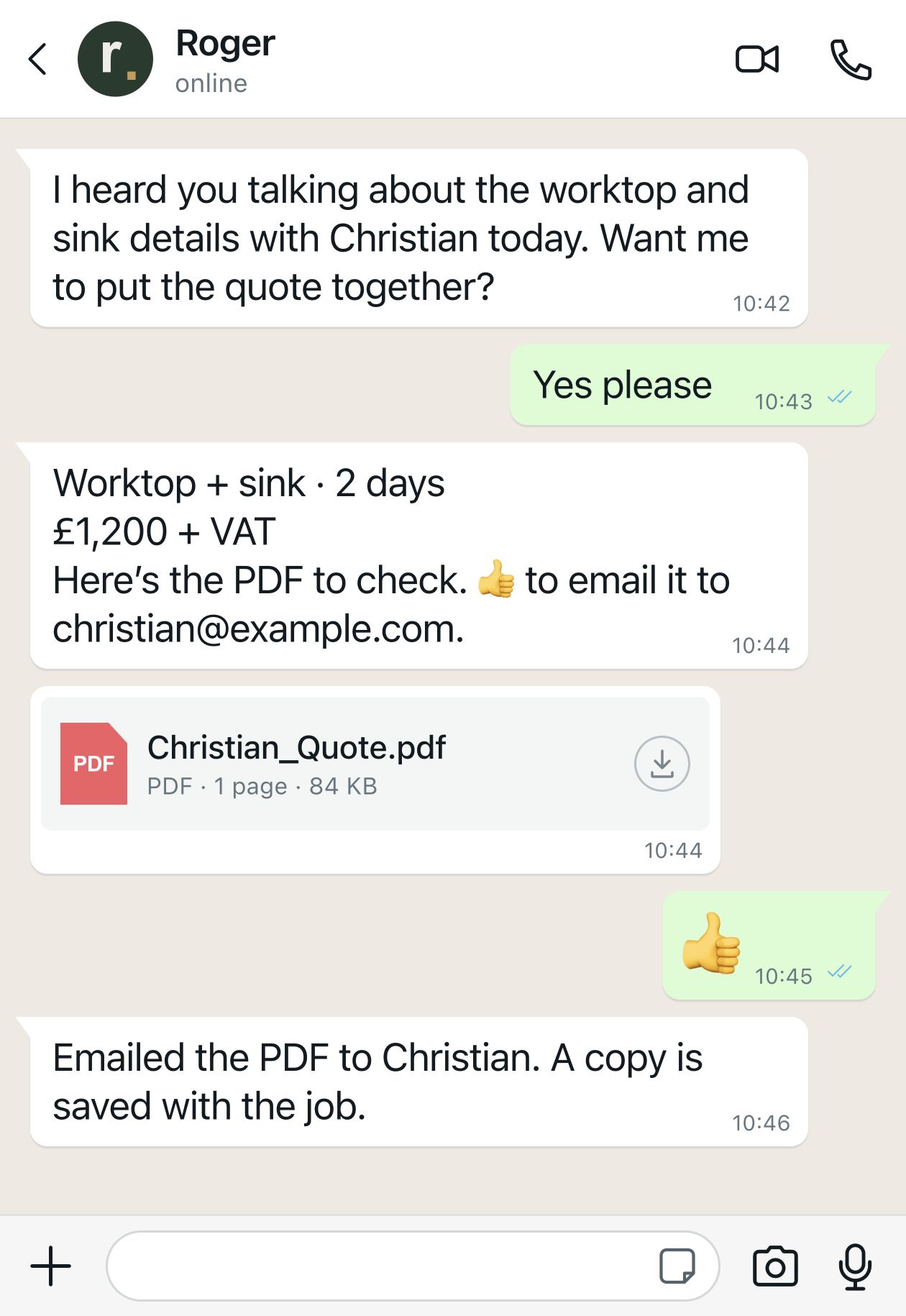
Quotes.Ready to send.
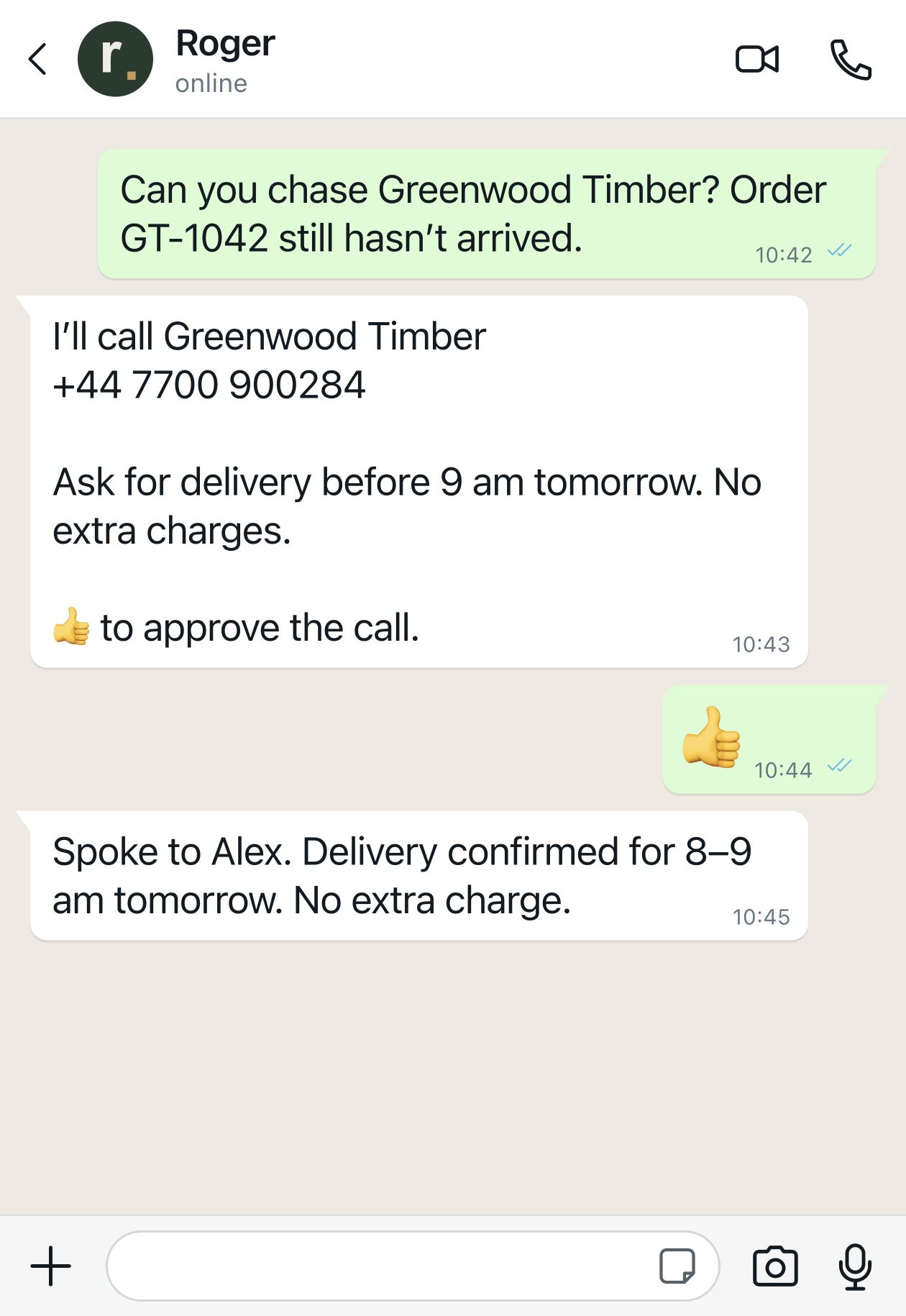
Suppliers.Chased for you.
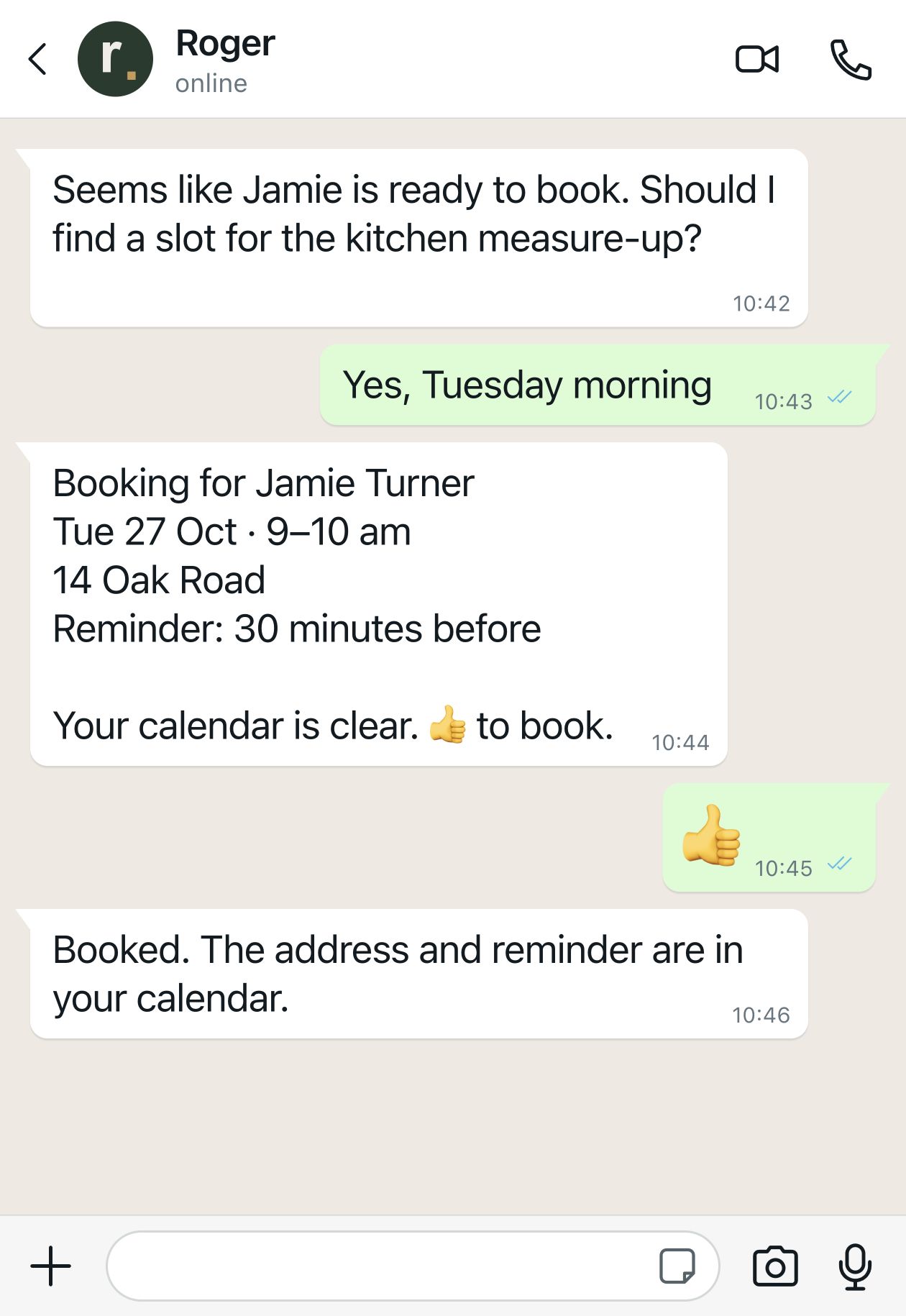
Jobs.Booked in.
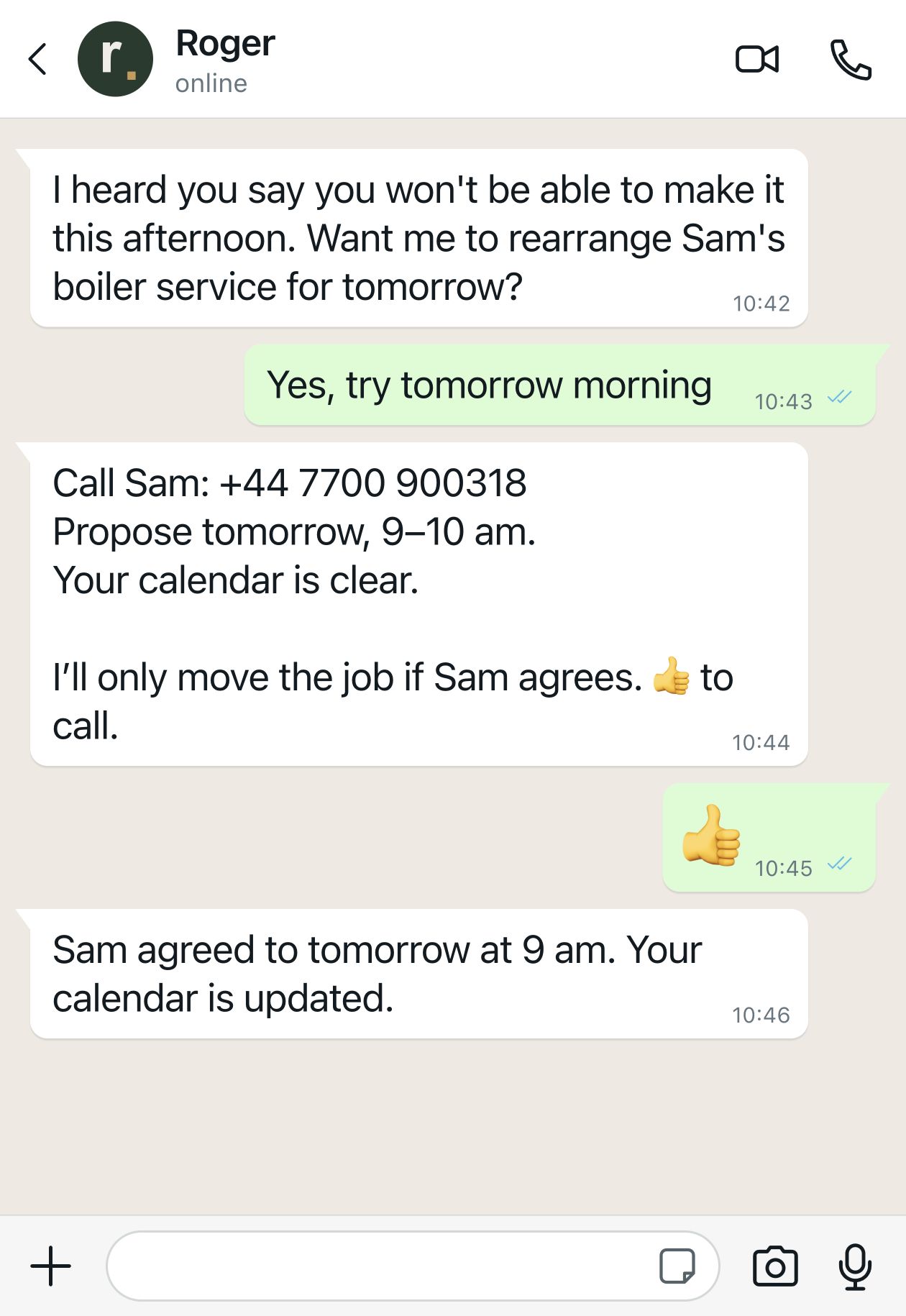
Plans change.Roger handles it.
Your tools.
Roger at the keyboard.
You keep your trade software. Roger can log into it and do the admin for you, like an office assistant.
He opens the right job, navigates the screens and fills in the details. Your quotes, invoices and customer records stay where they belong.
From a conversation on site to work done.
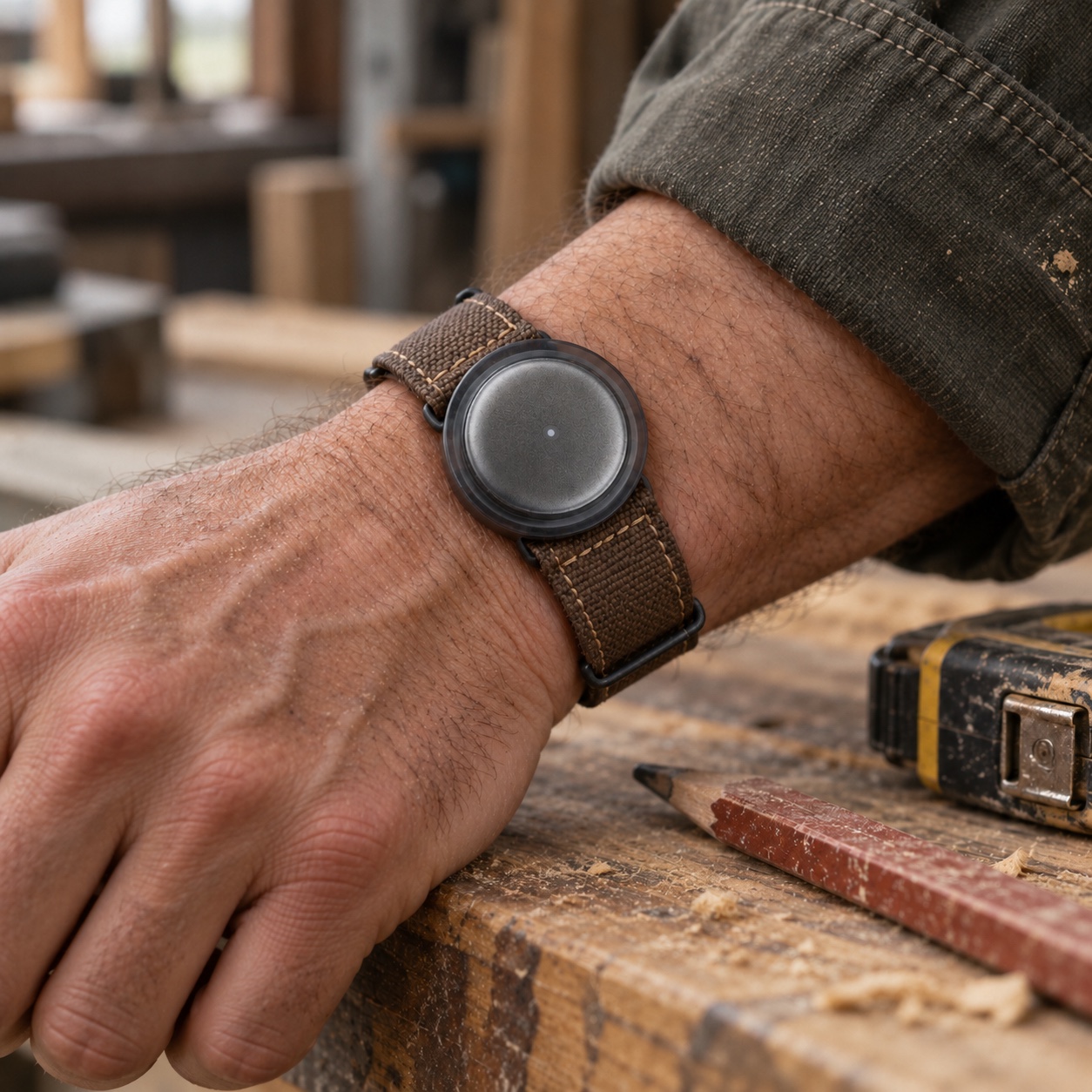
The wearable mic captures the details you choose to share—even while worn on your wrist. Or just send a WhatsApp message. Roger turns that context into the next task in your software.
“Sarah wants six new sockets in the kitchen. Quote for the labour and materials.”
From your conversation on site or a WhatsApp voice note. Roger picks up the customer, the job and the agreed scope.
A quote in your usual quoting tool.
- Find Sarah’s customer and job record.
- Use your price list to prepare labour and materials.
- Show you the scope and total on WhatsApp.
You approve. Roger does it. He enters the quote in your software, saves it against the job and sends it to Sarah.
“The job’s finished. Invoice the agreed quote, plus the extra socket Sarah approved.”
Roger combines your update with the existing quote and the extra work you agreed with the customer.
An invoice in your usual invoicing tool.
- Find the accepted quote and customer details.
- Prepare the invoice and the agreed extra item.
- Show you the amount and payment terms.
You approve. Roger does it. He creates the invoice in your software, sends it to Sarah and updates the job record.
“Add today’s site notes and the test readings I’ve supplied to the electrical record.”
The mic or your message provides the job context. You supply the inspection details and measured test results.
The paperwork prepared in your certification tool.
- Find the customer, property and job.
- Organise the notes and readings you supplied.
- Show you the information to check.
You approve. Roger does it. He enters the details and saves the certificate draft. You check the results and sign it off.
Built around the tools of your trade.
Examples of software used by UK trade businesses
- CRM & job management
- Tradify · ServiceM8
Customer details, job notes and bookings.
- Quotes & estimates
- Tradify · ServiceM8
Labour, materials and quotes ready to approve.
- Invoices & accounts
- Xero · QuickBooks
Invoices, payment terms and follow-ups.
- Electrical records & certificates
- NICEIC Online Certification · EasyCert
Job details and supplied readings, ready for your review.
Tell us which tools you use. We’ll check access and set up the tasks Roger can handle in your accounts.
A few questions.
What is Roger?
Roger is your AI office assistant on WhatsApp. He uses the details you share to work in your existing trade software. Carry the small mic for context from your day, or use Roger just on WhatsApp.
Can Roger use my tools?
Yes. With your permission, Roger can log into your existing accounts, navigate screens and fill in forms on your behalf. He works in your CRM, quoting, invoicing and certification tools, so you keep your current software and records. Tell us which tools you use and we’ll check access during setup.
Does Roger replace my CRM or trade software?
No. You keep the software you already know. Roger uses it for you, like a secretary: preparing quotes, adding job notes, raising invoices and updating customer records. Your information stays in your existing systems.
Can Roger do things without my approval?
You approve the proposed work before Roger carries it out in your tools or contacts anyone. For electrical certificates, you provide and check the readings and retain the professional sign-off.
Can it use my calendar and email?
Yes. Connect your Google account to give Roger access to your calendar and email.
What about recording and privacy?
You choose when to capture, and the people involved must agree to being recorded. Roger and its service providers process the audio and transcripts. Read the privacy notice.
Can I use Roger without the mic?
Yes. Just message Roger on WhatsApp. The mic gives him more context, so he can be more helpful.